

by FreightPrint
In this video, I'll show you how to dispatch and undispatch single and multiple loads from your dashboard in FreightPrint. Don't blink or you'll miss it!
We first need a load, and we show how to create new loads in another video. Useful tip: up-to-date phone numbers, email addresses, and communication options for all parties are really important! When a load is dispatched, notifications will go out using the information on file.
Now we need to know which loads are and which loads aren't dispatched. By the way, tracking only works on loads that are dispatched. Loads have to be dispatched before they can be looked up by customers or scanned by drivers too, so for that reason most people like to dispatch a load right after it's created. I'll show you how to tell which is which, and then I'll show you how to change it. The key is the load status (you’re looking for dispatched vs. undispatched) and the color of the icon just to the left of the load's status. It's orange if the load is not dispatched. It turns green when the load is dispatched. Orange means no, it's not dispatched; green means yes, it is. A running tally of dispatched and undispatched loads is near the top left of your dashboard in your Loads in Transit box.
Now to change it. There's two ways of doing it: the single-load way and the multiple-load way. Both are toggle switches, so when you do this it will make the load the opposite of what it was. That's convenient if you dispatched a load, then need to make changes later. You can use it more than once on the same load if you need to. If it was undispatched, this will dispatch it. If it was dispatched, this will undispatch it. Both the single-load and the multiple-load methods are quick and easy.
The single-load way is to click on that little orange or green icon. You'll see a pop-up asking if you want to continue. Click OK and the job is done.
The multiple-load way is almost as fast. First, check the boxes of all loads whose status you want to change, then click the Dispatch/Undispatch button under the Loads in Transit box. It looks just like the orange and green icon. Select OK when the pop-up asks if you want to continue, and voila! Status changed on all those loads.
You just dispatched or undispatched a load.
Start Trial
Are you still wrestling with manual logistics operations or relying on outdated software that leaves you confused? Look no further!
FreightPrint is here to revolutionize your logistics process!
FreightPrint™ is a cutting-edge, AI-driven logistics software designed to enhance your transportation and delivery services.

We understand that managing logistics is both daunting and time-consuming. Picture this: delivering orders with unmatched consistency, precision, and ease.
If you want to streamline your shipping and logistics operations, FreightPrint™ is your perfect partner!
Read on to discover the key features and unparalleled benefits of using FreightPrint™.

Imagine effortlessly processing customer orders, creating optimized routes automatically, and maintaining seamless communication with drivers and clients—all without wasting precious time.
▸ Efficient Load Dispatching
Dispatch loads on the move or pre-schedule them for future dates. Collaborate with carriers, brokers, and dispatchers from a single interface.
▸ Automated Routing
Select multiple shipments and generate routes instantly. Assign drop numbers and modify stops with a simple click, all without needing to contact your drivers.
▸ Smart Driver Assignment
Assign tasks or routes to specific drivers with ease. Unsure who is available? Let drivers select their loads or broadcast them to your network of carriers.

Free up phone lines and alleviate staff workloads while you consistently meet and exceed customer expectations. Spend your valuable time closing sales and enjoying well-deserved vacations.
▸ Real-Time Shipment Tracking
FreightPrint™ ensures clients receive timely status updates along with direct shipment tracking features.
▸ Collect Electronic Proof of Delivery
Generate an audit trail with detailed timestamps and locations. Instantly receive signatures and photographs as proof of delivery, enhancing customer trust.
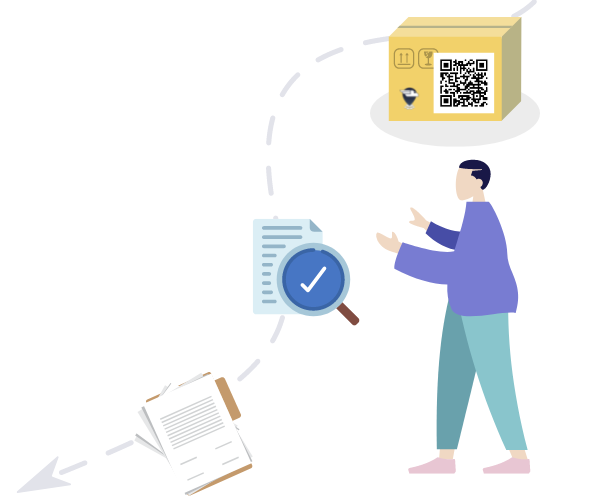
Create and customize shipping documents tailored to your clients' specifications.
▸ Label Printing
Design and print QR code labels effortlessly. Pair QR codes with your shipping documents to enhance tracking—just scan with your smartphone to update shipments effortlessly.
▸ Custom Document Creation
Whether it’s BOL, POD, or any other custom format, our document creation tool empowers you to design documents that fit your business needs.
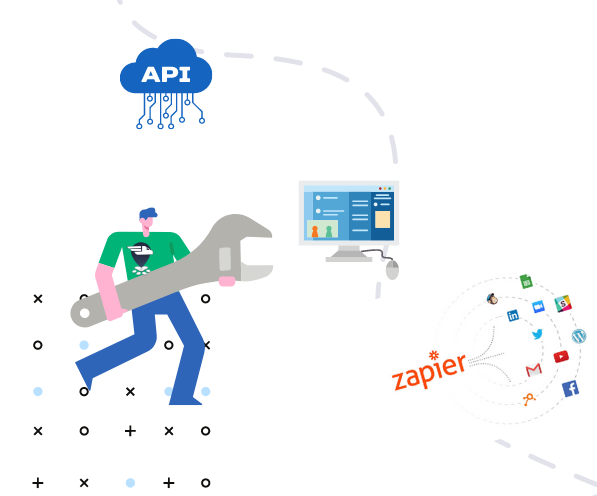
No single software solution fits every business perfectly, which is why FreightPrint allows extensive customization per your specific requirements.
▸ Utilize API and Automation
Set custom fields to track project progress seamlessly. Connect with platforms like SalesForce or OrderTime through native integrations, or customize your experience with our API and automation tools via Zapier.

Download the FreightPrint mobile app now and enjoy a free 2-week trial—no credit card required!
Request a Free Demo
Our team is ready to assist you with any transportation software inquiries. Whether you’re a small shipper or a large transportation firm, we’d be thrilled to provide a free demo of FreightPrint and address all your questions.
.jpg)
QR codes are a simple technology that makes everyone’s job easier. Everyone from dispatchers to the drivers and everyone else in between benefits from it.
Read More
Want to see if FreightPrint is a good fit for your needs? Whether you are curious about how the software works, or have specific questions about a feature, our product demo is a great way to get started.
Read More